With the Employers Toolbox all your outbound emails can be branded with your own email design.
Events and diary reminders, acknowledgement requests and all esigning correspondence can use your own customised email design.
By default all emails go out with our standard template:
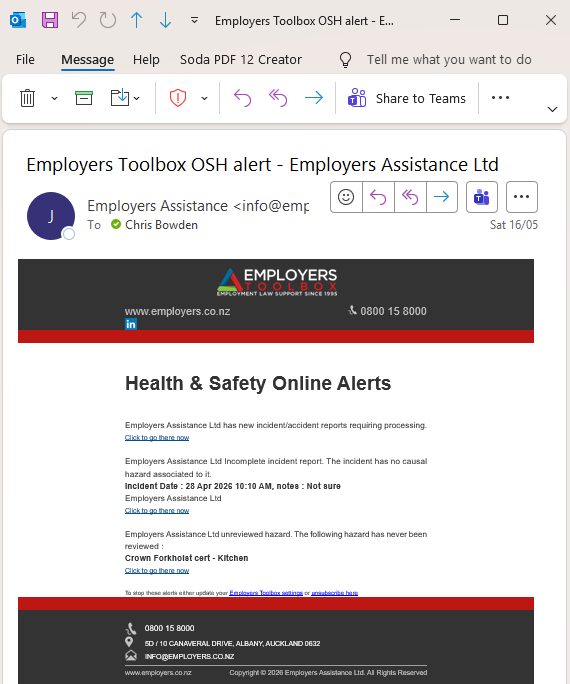

Click to zoom
You can change this to brand these emails with your own design if you wish.
In the Toolbox settings you have an 'Email Template' option. In there you have an HTML editor to create your own custom HTML email template.
Designing responsive and compliant HTML email designs can be a science on its own of course and HTML coding skills can be required. There is a basic template link you can click to give you a start in the left hand help panel if needed.
It's important to ensure your design retains the #BODY# tag somewhere as this gets swapped out for the email content when used. Without this blank emails will be sent. You can add the #LOGO# tag also to use the company logo you have uploaded to your account.
There's also a preview feature and a test button to send test emails before you're ready to go live with your design.
Ensure you tick the 'Use custom template' check box to enable your design to go live and be used by the system when you're ready.
Our IT team is also available to help you with this feature if you need extra features or support in this regard.